
Overview
Add an email signature so that every email you send from Matrix automatically ends with your name, title, and contact details. Your signature is set on your personal Profile, so it applies to all of your outgoing Matrix emails.
How to Add Your Signature
- Click your name (top right) and select View Profile
- Scroll to the Email Signature section
- Enter your signature in the editor. You can format the text, add links, and insert an image such as a logo using the toolbar
- Click Preview to check how it will look
- Click Save
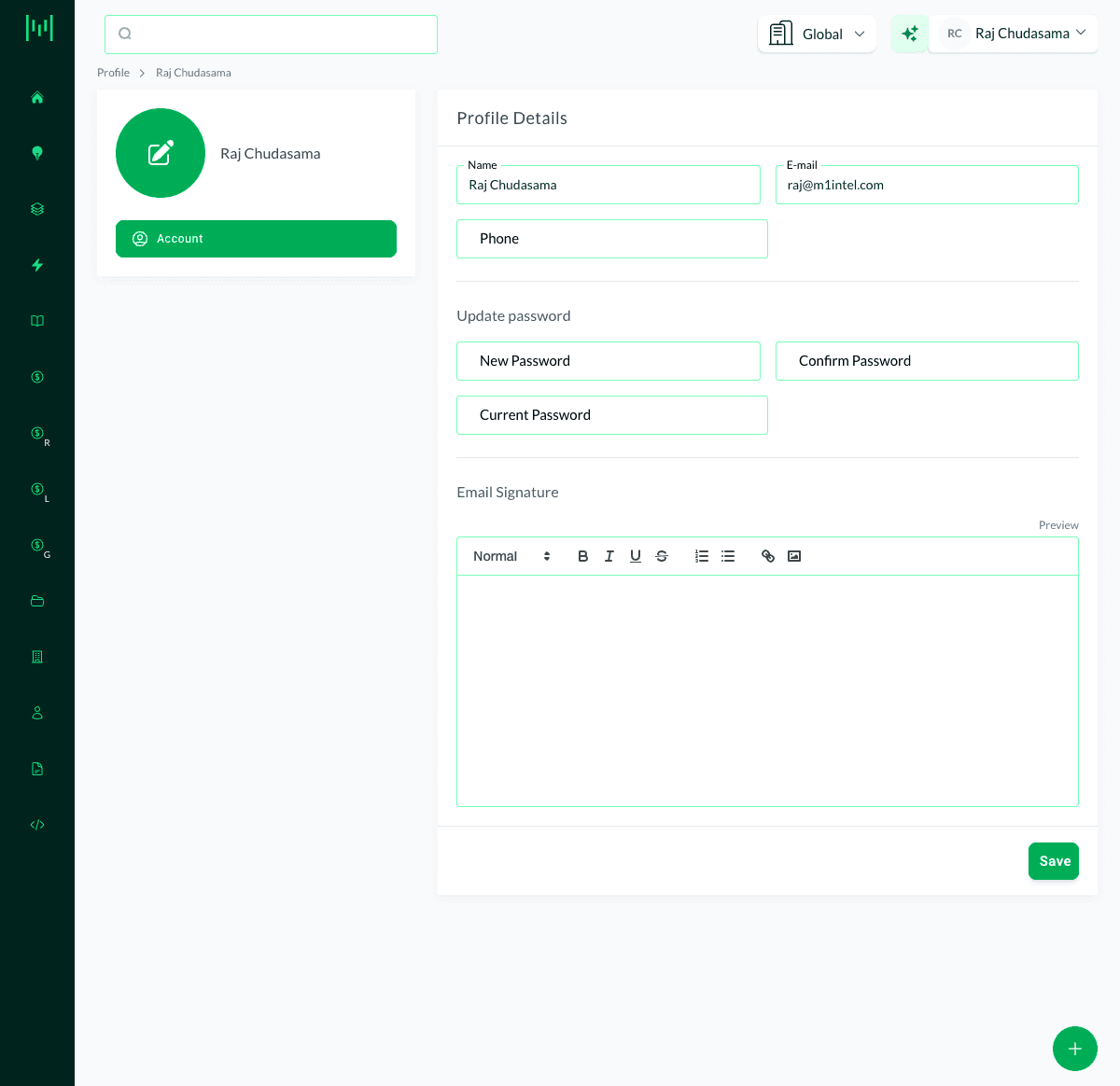
Your signature is now appended automatically to the emails you send from Matrix (Email activities).
What to Include
Keep it clean and professional:
- Your name
- Your title
- Your property or company
- Phone number
- Email address
- Optionally, a logo
Questions? Email support@m1intel.com