
Overview
A Lead becomes an Opportunity once you confirm there is real revenue in the market. Converting carries the lead's details into a new Opportunity and ties it to an Account, so you do not have to re-enter the information.
Convert a Lead to an Opportunity upon learning there is revenue in the market. Until then, keep it in Lead status while you qualify it.
How to Convert a Lead
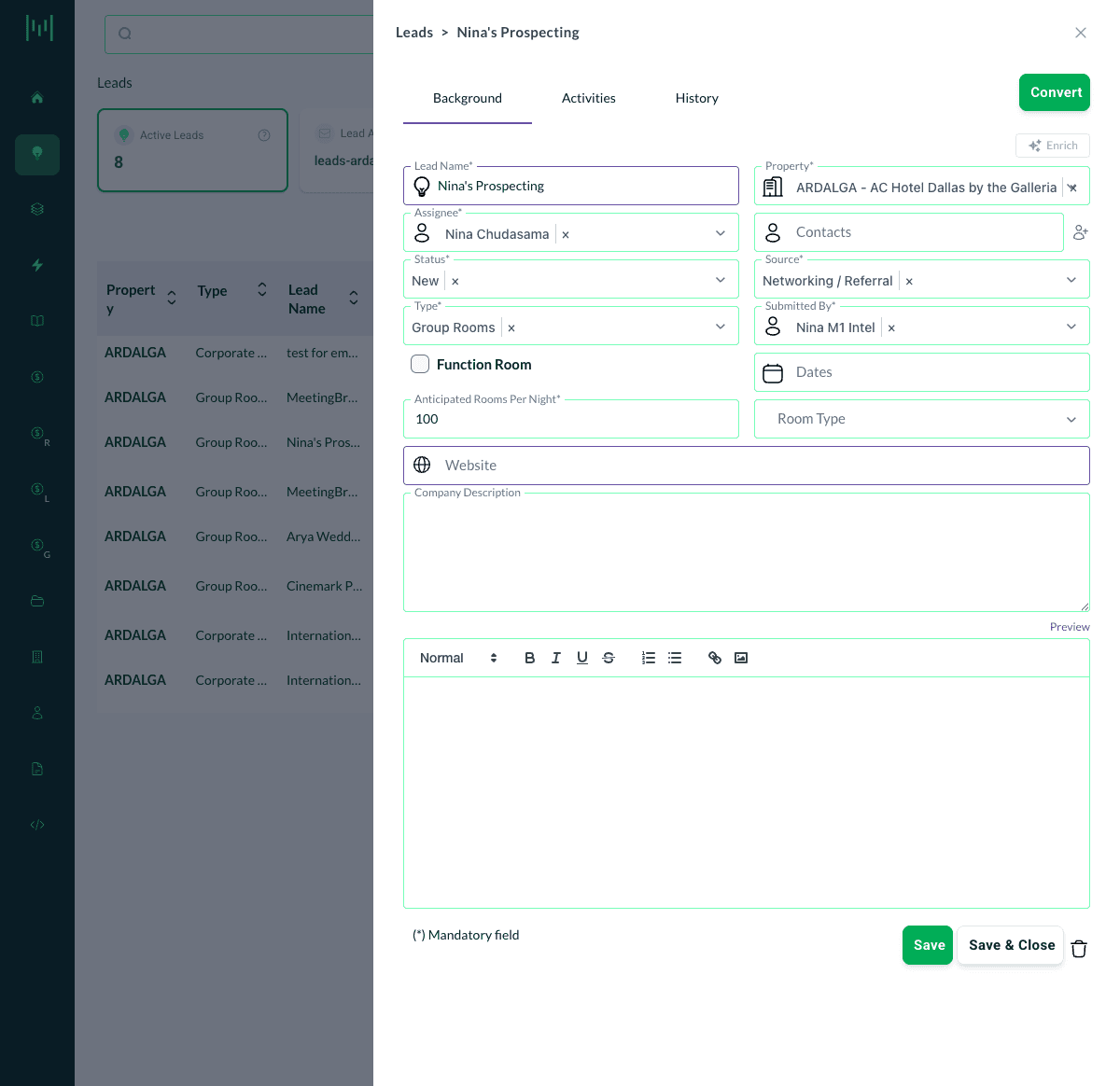
1. Open the Lead. On the Leads page, click the lead you want to convert. The lead opens in a side panel.
2. Review the lead details. Make sure the key fields (Type, Assignee, anticipated rooms, dates) are accurate. They carry into the Opportunity.
3. Click Convert. The green Convert button is at the top right of the lead panel.
4. Choose or create an Account. Matrix prompts you to either select an existing Account or create a new one. The new Opportunity will belong to this Account.
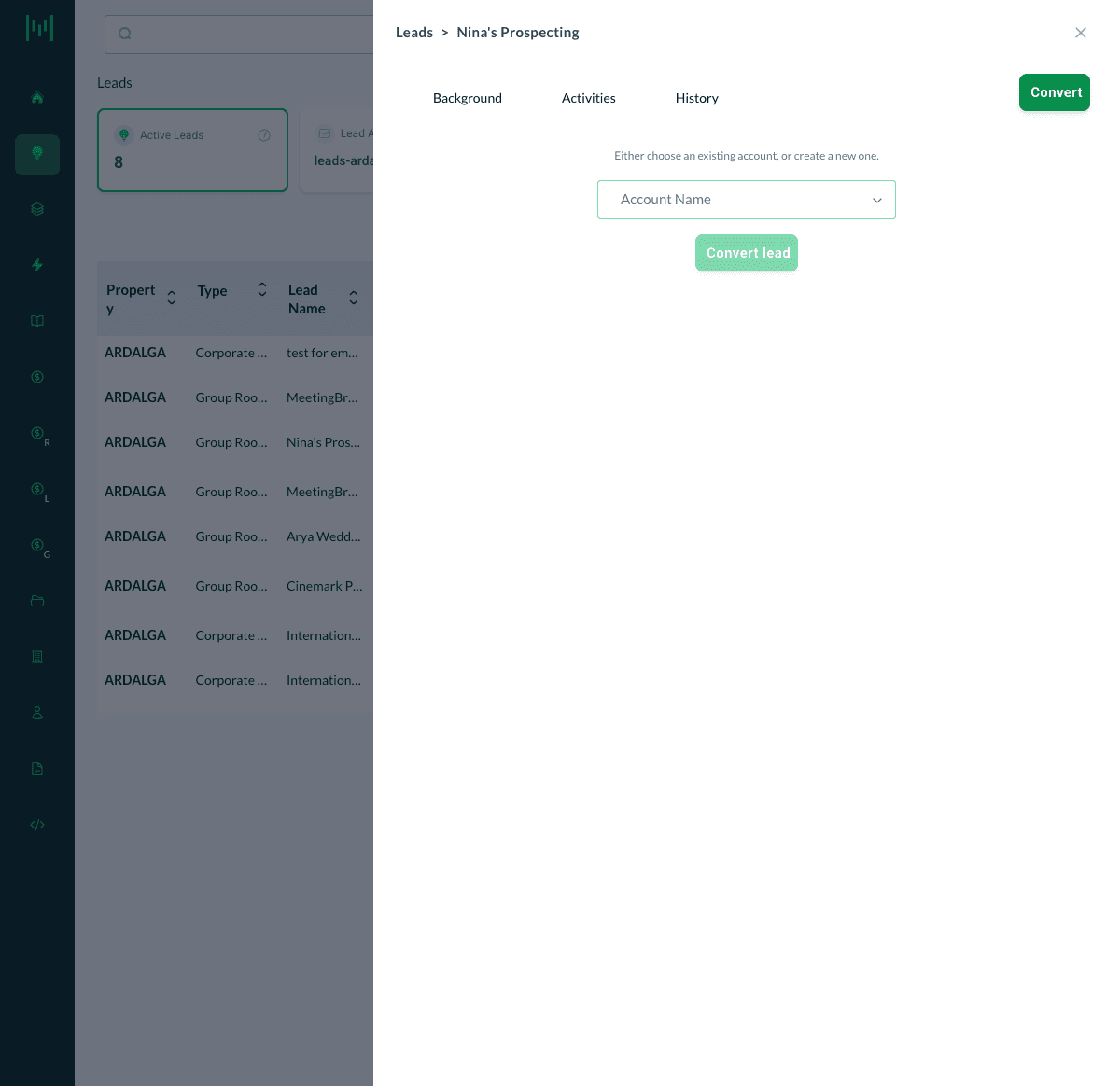
5. Click Convert lead. Matrix creates the Opportunity from the lead's information.
6. Finish the Opportunity. Open the new Opportunity and complete the remaining details (stage, dates, rates, guestroom grid), then save.
Best Practice
Search for an existing Account first. Before creating a new Account during conversion, check whether one already exists to avoid duplicates. Create a new Account only when the group or company is genuinely new and has repeat potential.
Questions? Email support@m1intel.com